


ZenScreen MB16AC
ASUS ZenScreen MB16AC Portable USB Monitor- 16 inch (15.6 inch viewable) Full HD, Hybrid Signal Solution, USB Type-C, Flicker Free, Blue Light Filter
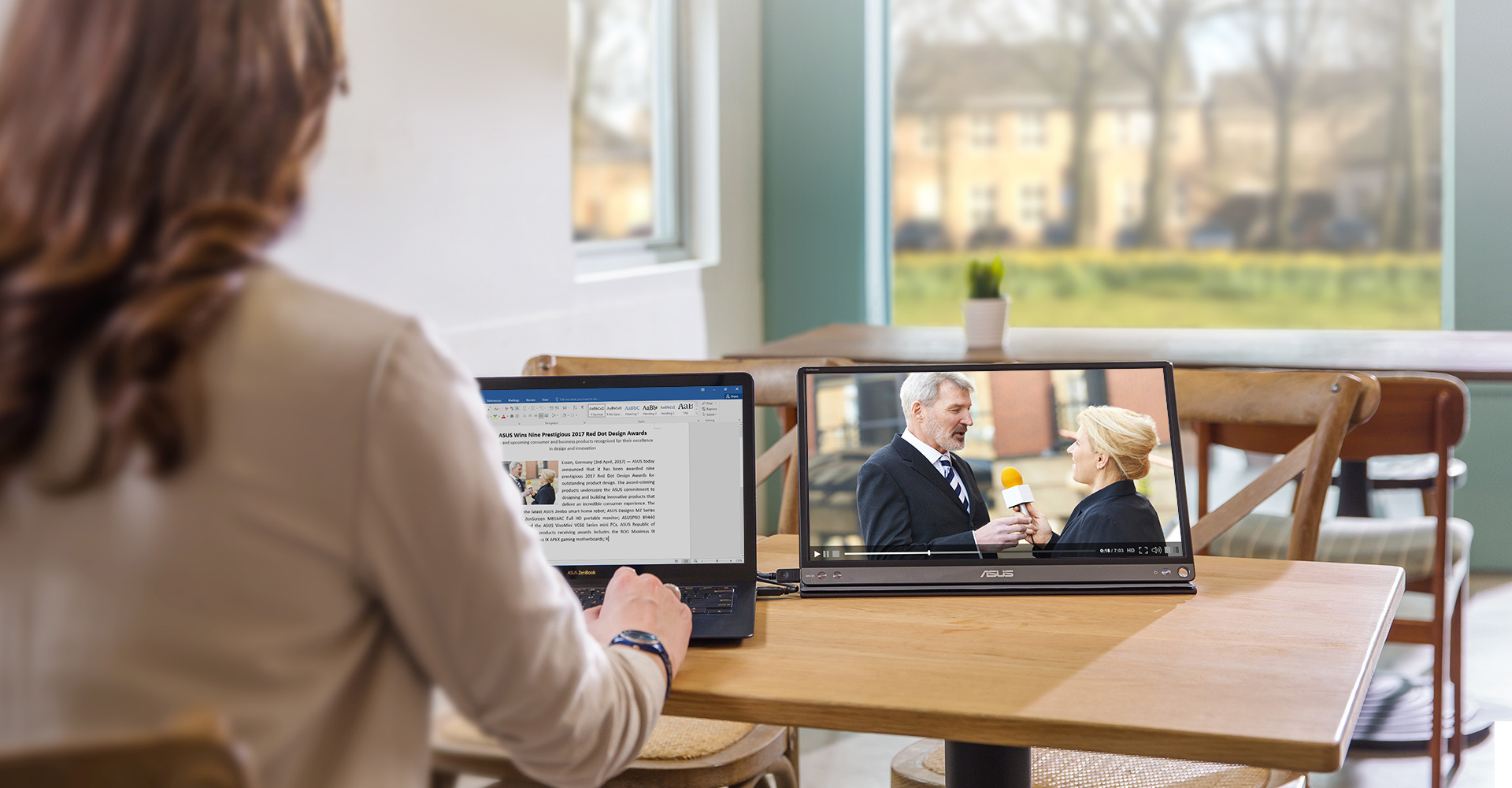
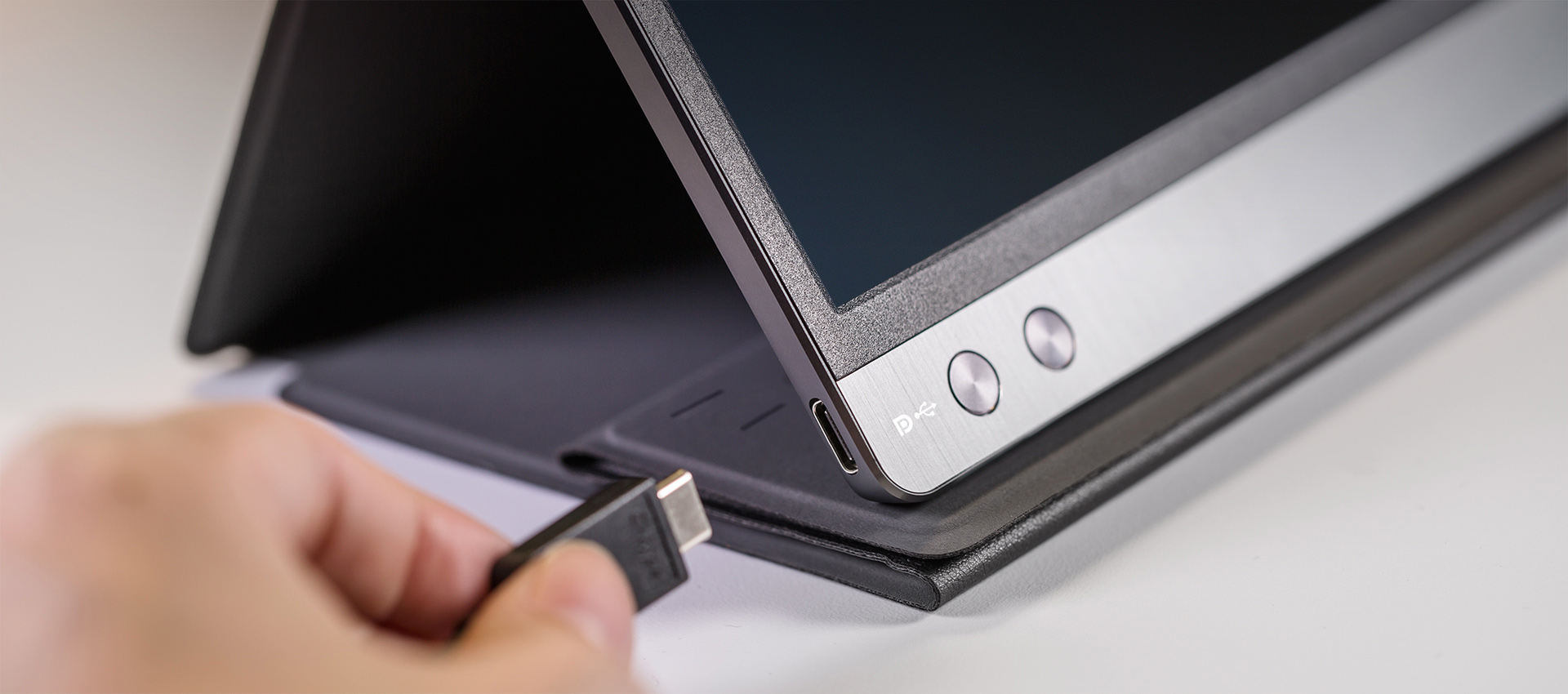
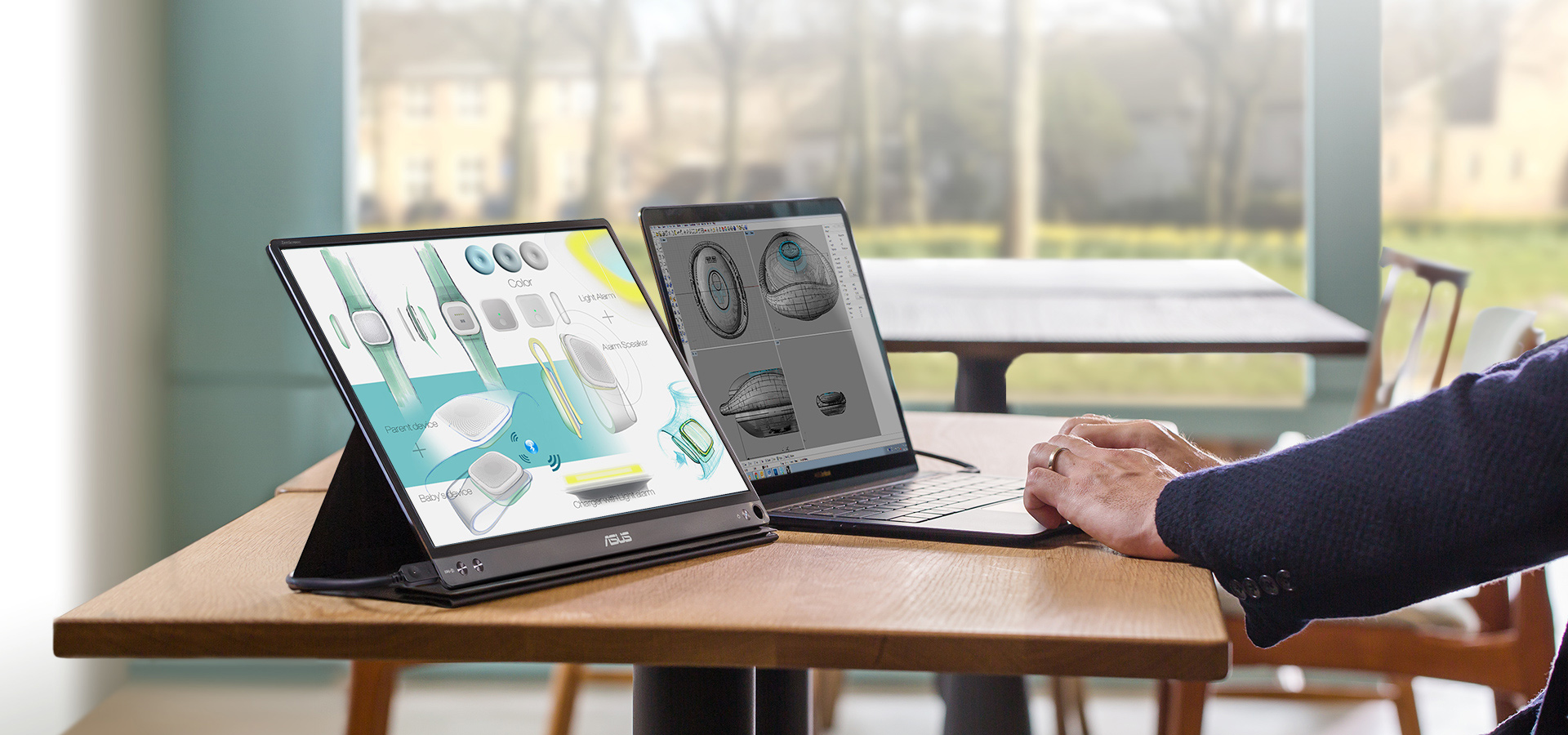
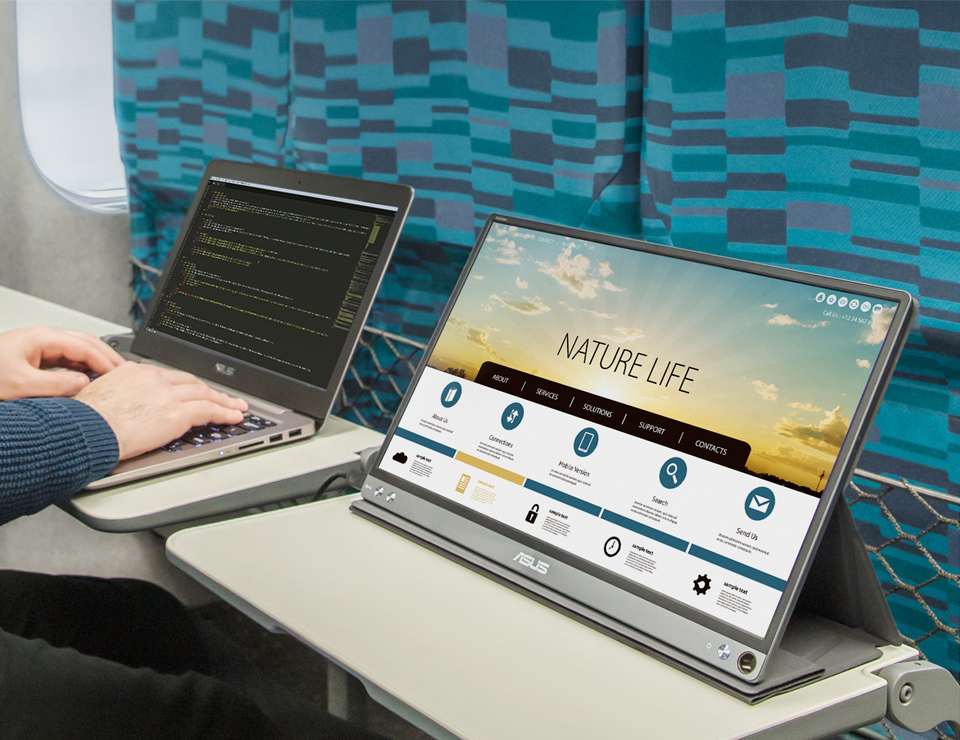
- Features a hybrid-signal solution that supports power and video transmission, and enables compatibility with any laptop with a USB Type-C or Type A port
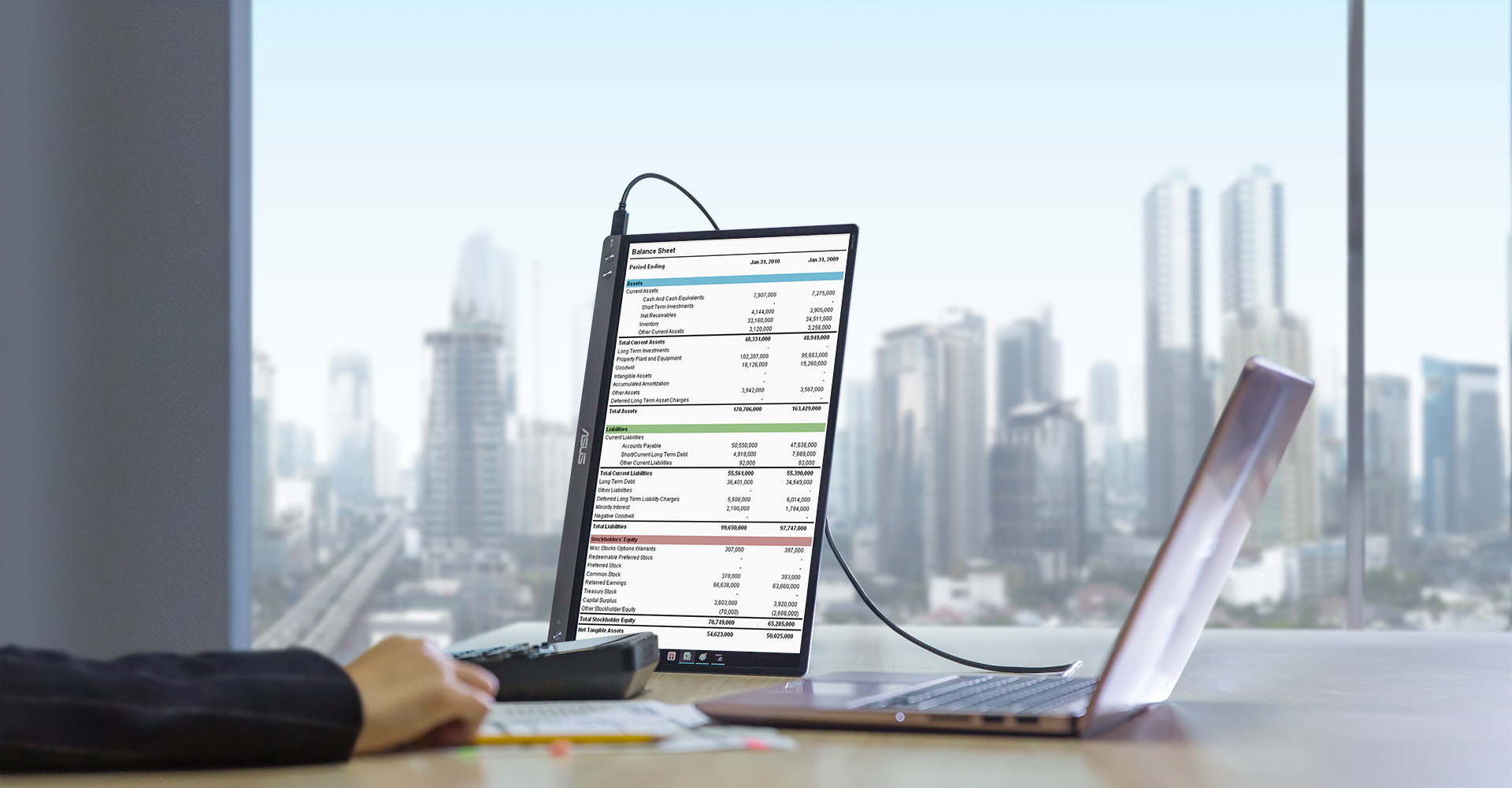
- Can automatically sense its orientation and switch the monitor between landscape and portrait modes
- Just 780g and only 8mm thin, it helps you get things done more efficiently when you’re on the go
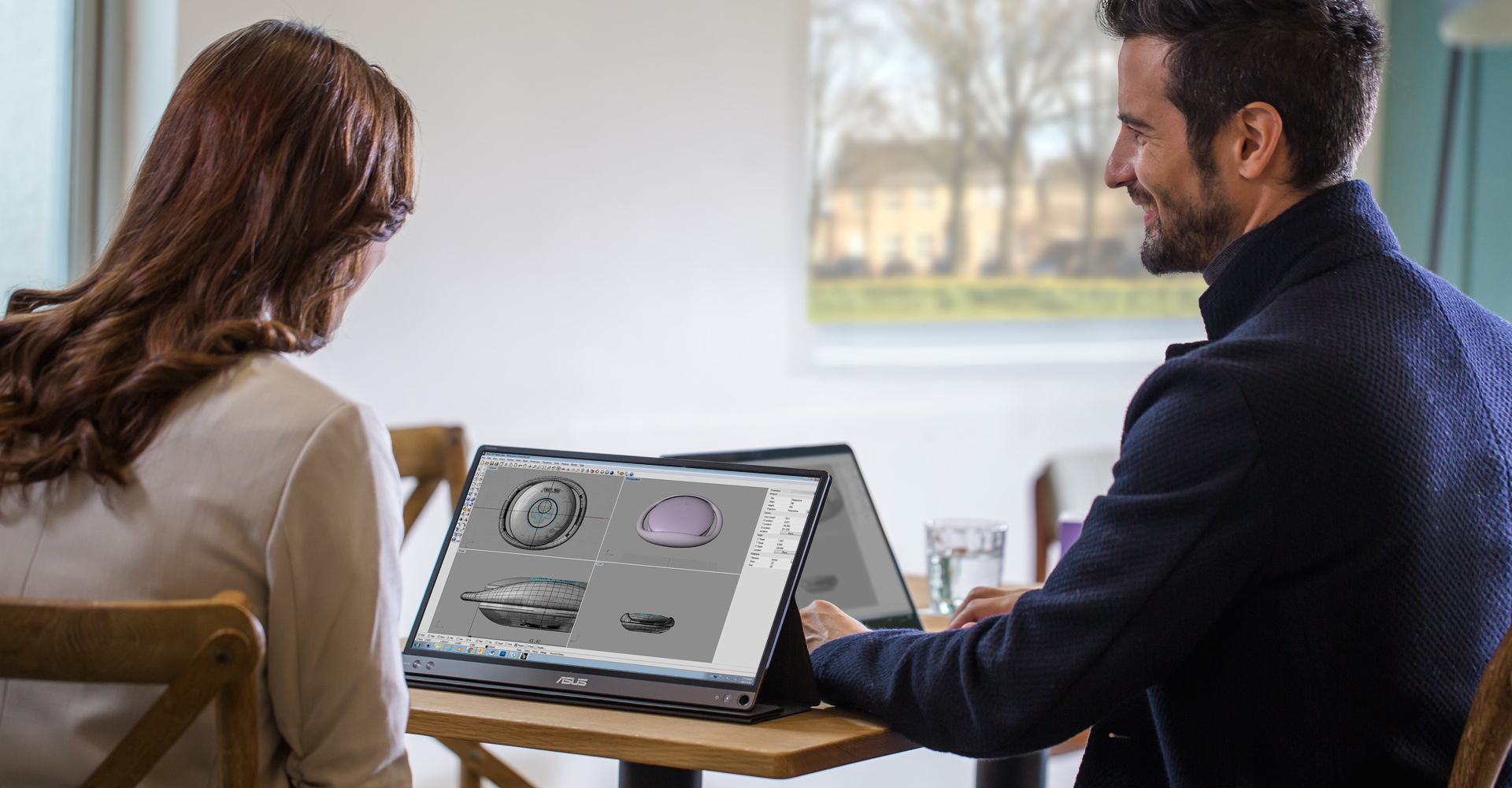
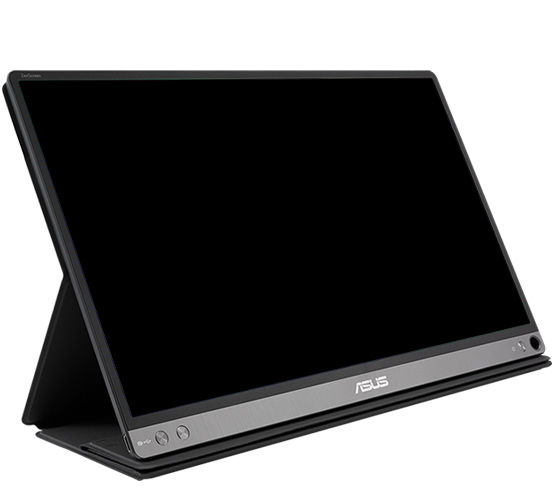
- Foldable smart case can be turned into a stand to prop the monitor up in either portrait or landscape mode
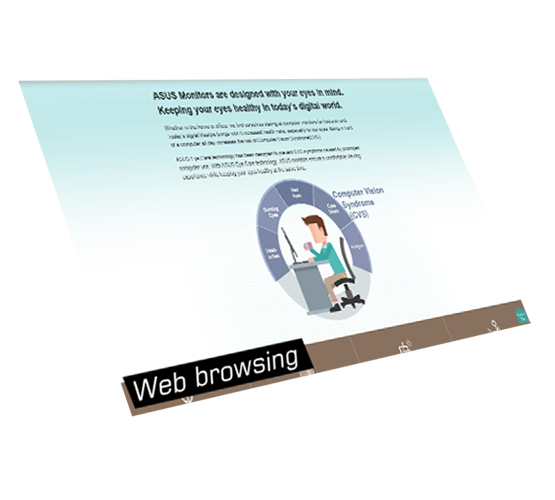
- ASUS Eye Care monitors feature TÜV Rheinland-certified Flicker-free and Low Blue Light technologies to ensure a comfortable viewing experience

Sammenligne















Anbefalt for deg


ASUS ZenScreen Touch MB16AMT USB portable monitor — 16 inch (15.6 inch viewable), IPS, Full HD, 10-point Touch, Built-in Battery, Hybrid Signal Solution, USB Type-C, Micro-HDMI, Compatible with Laptops, Smartphones, Gaming Consoles, and Cameras
Se mindre


ASUS ZenScreen MB16ACE Portable USB Monitor- 16 inch (15.6 inch viewable) Full HD, Hybrid Signal Solution, USB Type-C, Flicker Free, Blue Light Filter, Anti-glare surface
Se mindre

ASUS ZenScreen GO MB16AHP Portable USB Type-C Monitor - 16 inch (15.6 inch viewable), Full HD, Built-in Battery, USB Type-C, Micro-HDMI, Flicker Free, Blue Light Filter
Se mindre

ASUS VT229H Touch Monitor - 22 inch (21.5 inch viewable) FHD (1920x1080), 10-point Touch, IPS, 178° Wide Viewing Angle, Frameless, Flicker free, Low Blue Light, HDMI, 7H Hardness
Se mindre
ASUS ZenScreen Stand MTS02D - Ergonomic stand, Tilt, Pivot, Height adjustments, 1/4” Tripod Socket compatible
Se mindre
ASUS ZenScreen MB169CK Portable USB Monitor- 16 inch (15.6 inch viewable), Full HD, IPS, dual USB Type-C, Flicker Free, Blue Light Filter, Anti-glare surface, 360° kickstand
Se mindre
ASUS ZenScreen MB166CR Portable USB Monitor- 16 inch (15.6 inch viewable), Full HD, IPS, USB Type-C, Flicker Free, Blue Light Filter, Anti-glare surface, 360° kickstand
Se mindre
ASUS ZenScreen MB16AHV Portable Monitor- 16 inch (15.6 inch viewable) Full HD, IPS, HDMI, USB Type-C, Blue Light Filter, Anti-glare surface, Antibacterial treatment
Se mindre
ASUS ZenScreen MB17AHG portable monitor – 17 inch (17.3 inch viewable) FHD (1920 x 1080) IPS panel, 144 Hz , SmoothMotion technology, L-shaped kickstand, tripod , USB Type-C®, HDMI®, Flicker Free, Low Blue Light, FSC
Se mindre
ASUS ZenScreen MB16AHG portable monitor — 16 inch (15.6 inch viewable) FHD (1920 x 1080), IPS, 144Hz, USB-C, Mini-HDMI, Freesync Premium™, Ergo kickstand, Tripod socket, Flicker Free, Low Blue Light
Se mindre
ASUS ZenScreen Touch MB16AHT portable monitor — 16 inch (15.6 inch viewable) FHD (1920 x 1080), IPS, 10-point touch, Mini-HDMI, ergo kickstand, tripod socket, ASUS Flicker Free and Low Blue Light technologies
Se mindre
ASUS ZenScreen MB166B Portable USB Monitor- 16 inch (15.6 inch viewable) Full HD, IPS, USB 3.2, Anti-glare surface
Se mindre


ASUS MKT03 mini-PC Mounting Kit - VESA 100x100mm Compatible
Se mindre
Experience elevated video conferencing solution enabled by powerful compute system, expandable speakerphones, and AI-powered PTZ cameras for vivid visuals
Se mindre
- Featuring 12th Gen Intel® Core™ and Celeron® processors
- Intel Wi-Fi 6E AX211 soldered-down
- 4GB to 16GB soldered-down LPDDR5 memory
- Support for up to quad 4k@60Hz displays
- Generation agnostic heat-spreader thermal interface
- Supports integration into both stationary and mobile system designs
- Qualified for 24x7 operation
Se mindre
- Windows 11 Pro - ASUS recommends Windows 11 Pro for business
- Breakthrough Performance at the Edge ASUS NUC 13 Compute Element Cost-efficiently build or refresh edge solutions with the ASUS NUC Compute Element.
Se mindre
- Requires NUC Assembly Element and Compute Element
- The modular design of NUC Elements simplifies serviceability and makes upgrading your systems easier.
- Small size for a wide range of deployments
- Easy upgrades with forward-compatible components
- Qualified for 24x7 operation
Se mindre
- Requires NUC Compute Element
- NUC Assembly Elements are ideal for providers creating integrated systems.
- Pair an NUC Board/Assembly Element with a compatible NUC Compute Element to build a small, integrated, high-performance system for a range of verticals.
- Sustained operations and feature and an internal DC connector.
- With added rack and thermal solutions, they are qualified for 24x7 operation
Se mindre
Windows 11 Pro.
Ultra-compact mini PC with AMD Ryzen™ 7000 and 6000 Series Processors and AMD Radeon ™ Graphics, supports Quad-4K displays and 8K resolution, 2x PCIe® Gen4x4 M.2 NVMe™ SSD, 2.5 Gb LAN, WiFi 6E
Ultra-compact mini PC with AMD Ryzen™ 7000 and 6000 Series Processors and AMD Radeon ™ Graphics, supports Quad-4K displays and 8K resolution, 2x PCIe® Gen4x4 M.2 NVMe™ SSD, 2.5 Gb LAN, WiFi 6E
Se mindre
ASUS ZenScreen Stand MTS02D - Ergonomic stand, Tilt, Pivot, Height adjustments, 1/4” Tripod Socket compatible
Se mindre


- Alle spesifikasjoner kan endres når som helst uten varsel. Snakk med forhandleren din for å få et nøyaktig tilbud. Produktene er kanskje ikke tilgjengelige i alle markeder.
- PCB-farge og versjoner opå vedlagte programmer kan endres når som helst uten varsel.
- Merker og navn som nevnes, er varemerker som tilhører sine respektive selskaper.
- Uttrykkene HDMI og HDMI High-Definition Multimedia Interface, HDMI trade dress og HDMI-logoen, er varemerker eller registrerte varemerker som tilhører HDMI Licensing Administrator, Inc. i USA og andre land.
- Støtteperioder for produktsikkerhetsoppdatering : 3 år (til 31/12/2026)
- Den faktiske overføringshastigheten til USB 3.0, 3.1, 3.2 og/eller Type-C vil variere avhengig av mange faktorer, inkludert behandlingshastigheten til vertsenheten, filattributter og andre faktorer relatert til systemkonfigurasjon og driftsmiljøet.