


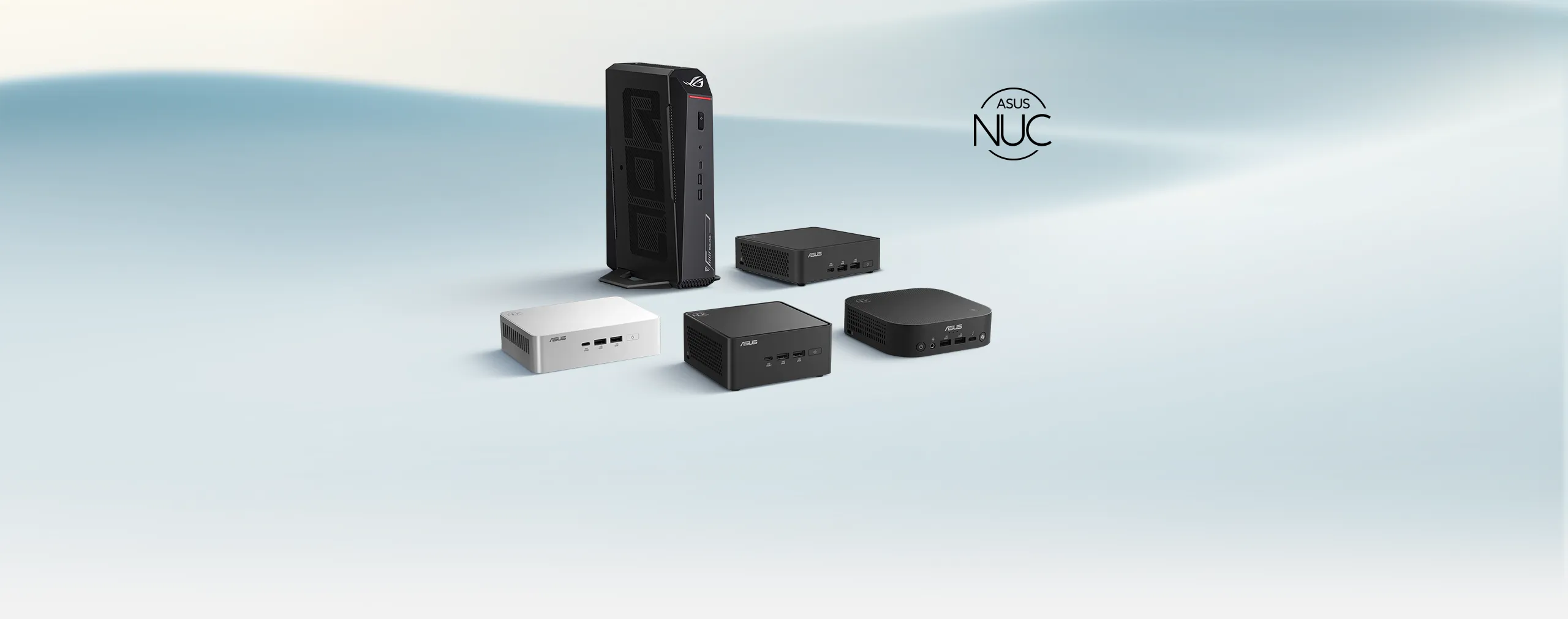
ASUS AI NUC
Redefining Versatility and Innovation
ASUS AI NUC. Ideal for content creators, gamers, and business professionals, the 2025 ASUS NUC series boasts powerful components, exceptional connectivity, and comprehensive app support, all in a compact design that ensures top performance per liter.

Next-generation Intel® Core™ Ultra
Windows 11
Three AI engine architecture
Compact Size
Under 3-Liter

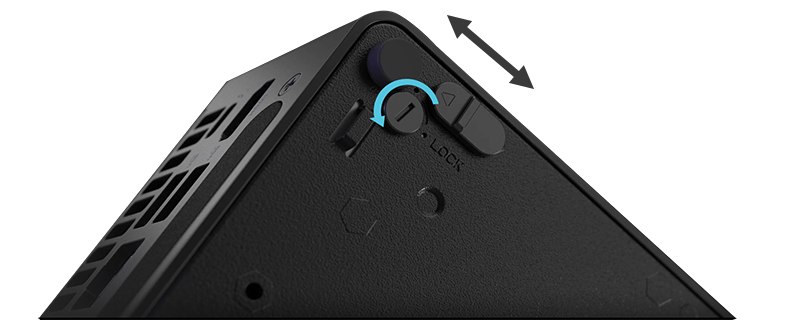
Toolless Design
AI EXPERIENCE
Power your day, the AI way
Why choose ASUS AI NUC? We balance size, performance, thermals, acoustics, and cost to deliver solutions that excel in any scenario. Our NUC mini PCs pack impressive AI capabilities into space-saving designs, offering powerful components, top-tier connectivity, and robust app support.
Experience the best performance per liter with ASUS NUC—where compact design meets cutting-edge technology.
Everyday AI
Smarter AI for Everyday Work

Next Level AI
Compact Copilot+ PC

Advanced AI
NPU + RTX 50-series GPU
TRIPLE ENGINE
Three AI engine architecture
Intel® Arc™ GPU: This integrated graphics solution offers top-tier performance for rapid content creation and immersive gaming, even on the go.
Intel® AI Boost: Equipped with a dedicated Neural Processing Unit (NPU), this feature enhances AI tasks such as noise suppression during meetings, ensuring smooth performance and extended battery life.



What Can an AI PC Do For Us?

Enhanced AI Productivity

Intelligent Energy Efficiency

Advanced Security

Collaborative AI Assistant
THE COMPLETE AI TOOLKIT
One NUC. Every Kind of AI.
Discover AI tools designed for ASUS NUC, from easy-to-use AI agents and local model development to open-source experimentation and connected AI workflows. Choose the tools that fit your needs and bring AI into your everyday workflow.

ASUS Zenni Claw BETA
Agentic AI, easier to start — guided setup and ready-to-use skills from ASUS. Run it in the cloud, on your device (on supported hardware), or split tasks between both with flexible mode switching.

Intel® SuperClaw
Intel's security-first hybrid AI — save up to 80% on cloud costs and retain ~90% of cloud-model intelligence through intelligent orchestration, with 100% PII privacy: substitution before transmission, reassembly on-device.
 View on GitHib
OpenClaw
A widely adopted open-source AI agent project offering full control and community-built skills. One-click setup with ASUS EZ Installer for OpenClaw — no command line.

ASUS AI SuperBuild
Toolkit to cultivate and customize local LLMs, with built-in RAG over your own documents — fully local, no internet needed.
Intel's Hybrid AI Agent Platform · Detail
Intel® SuperClaw
Hybrid AI, Engineered for Trust.
Intel® SuperClaw is Intel's hybrid AI agent platform, integrated with OpenShell for security-first, OS-independent operation. It runs everyday AI tasks locally on your ASUS NUC and calls on cloud models only when they add value, cutting cloud token costs by up to 80% while retaining about 90% of cloud-model intelligence. And when a request must reach the cloud, personally identifiable information (PII) is substituted before it leaves your device, with responses reassembled locally — 100% PII privacy, by design.
Local LLM Toolkit · Detail
ASUS AI SuperBuild
Cultivate and customize local large language models with built-in RAG over your own documents — fully local, no internet required. Built to help developers and IT teams deploy enterprise-ready AI on ASUS NUC.
Languages
- V2.4.0 User Manual (English) > Download Here
- V2.4.0 User Manual (Traditional Chinese) > Download Here
- V2.4.0 User Manual (Simplified Chinese) > Download Here
Enhancements
- Improved security and fix potential vulnerabilities.
Enhancements
- Dynamic Resizing & Adaptive Display : Enables free window resizing for seamless multitasking. The interfaceautomatically adapts to any screen size or multi-monitor setup.
- Installer Improvements for Easier Set up:
1. Automatic Driver Updates: During setup, the installer can find anddownload the latest drivers for supported devices.
2. Installation Failure Alerts: If something goes wrong during installation,you’ll see a clear message right away.
New Features
- LLM Model Type Tagging: Adds visual tags (e.g., Text, Image) to the LLM list, enabling quick identification of model capabilities.
- Vision-Language Model (VLM): Image Analysis Supports receipt OCR and screenshot interpretation as image input types for LLM queries.
Enhancements
- Post-Import Summary: Displays counts of added/updated Assistants and KB entries, success rates, and provides a downloadable error log for failed items.
- Import Rollback Protection: Ensures data integrity by executing a full rollback (or minimal safe update) if corrupted files are detected during import.
- MCP Security: Adds robust encryption and decryption for MCP module exports and imports.
New Features
- In-App Version Update Checker: Introduces an automated, in-app version checking mechanism for seamless application updates and tracking.
- Customer Feedback Integration: Adds an automated feedback channel with usage-based pop-ups that redirect users to a Google Forms survey.
- Streamlined Bug Reporting: Provides a dedicated UI entry point for bug reporting via Google Forms to easily gather user feedback and system information.
- gRPC API Service for Third-Party Applications: Exposes a gRPC-based API that enables third-party developers to integrate AI SuperBuild capabilities directly into their own applications through standard API calls.
Enhancements
- Backend Upgrade to Intel Service 2.8.0: Improves overall performance and compatibility through an upgrade to the Intel Service 2.8.0 backend.
New Features
- MCP Marketplace Integration: Introduces support for discovering and managing MCP modules through the integrated marketplace.
- WIX-based Installation Support: Adds a new installer framework based on WIX, enabling a more reliable and configurable installation process.
- One-click Import/Export: Provides a streamlined, single-action workflow for importing and exporting system configurations or datasets.
- Folder Import to Knowledge Base: Allows users to import an entire folder (including multiple files/subdirectories) directly into the Knowledge Base.
Enhancements
- Configuration File Pre-shared Key (PSK) Protection: Strengthens configuration security by supporting pre-shared key–based protection for exported configuration files.
- Backend Upgrade to Intel Service 2.7.0: Improves overall performance and compatibility through an upgrade to the Intel Service 2.7.0 backend.
Related Products

NUC 16 Pro
- Powered by up to Intel® Core™ Ultra X9 Series 3 processors, delivering 180 platform TOPS
- Up to 96 GB LPDDR5x 9600 MT/s with 20% faster speed and 50% lower power
- Dual fan cooling
- Intel® Wi-Fi 7, Bluetooth 6.0
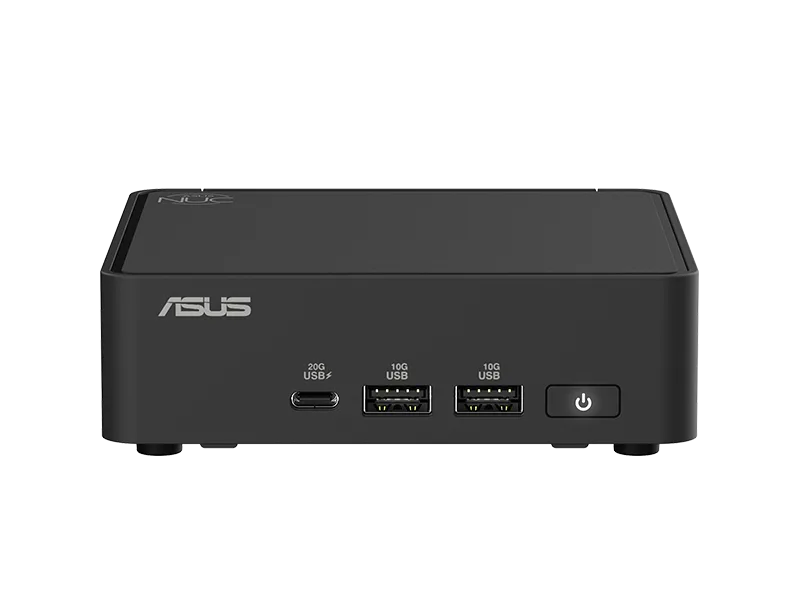
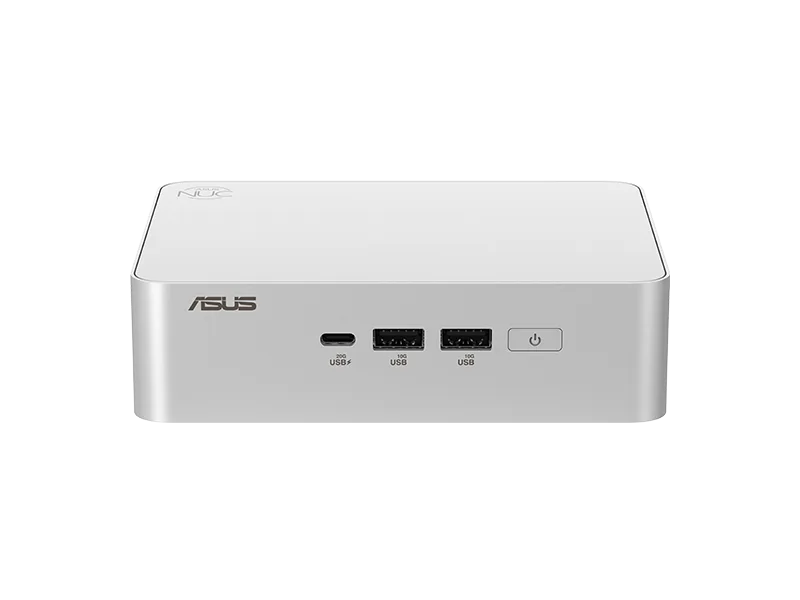
NUC 15 Pro
- Powered by Intel® Core™ Ultra 3/5/7/processor (
Series 2 ) - Intel® Arc™ GPU
- Intel vPro® Enterprise (optional)
- Intel® Wi-Fi 7 and Bluetooth 5.4
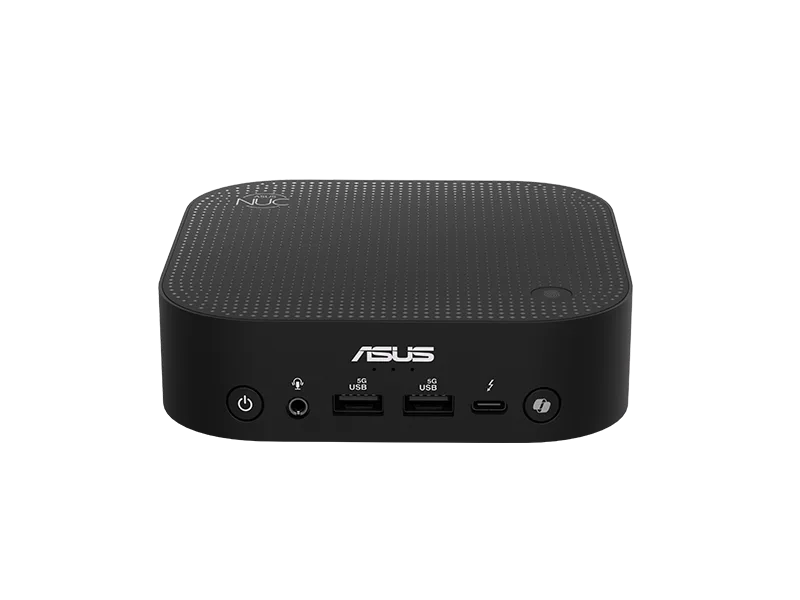
NUC 15 Pro+
- Powered by Intel® Core™ Ultra 7/9 processor( Series 2)
- Intel® Arc™ GPU
- Intel vPro® Enterprise (optional)
- Intel® Wi-Fi 7 and Bluetooth 5.4
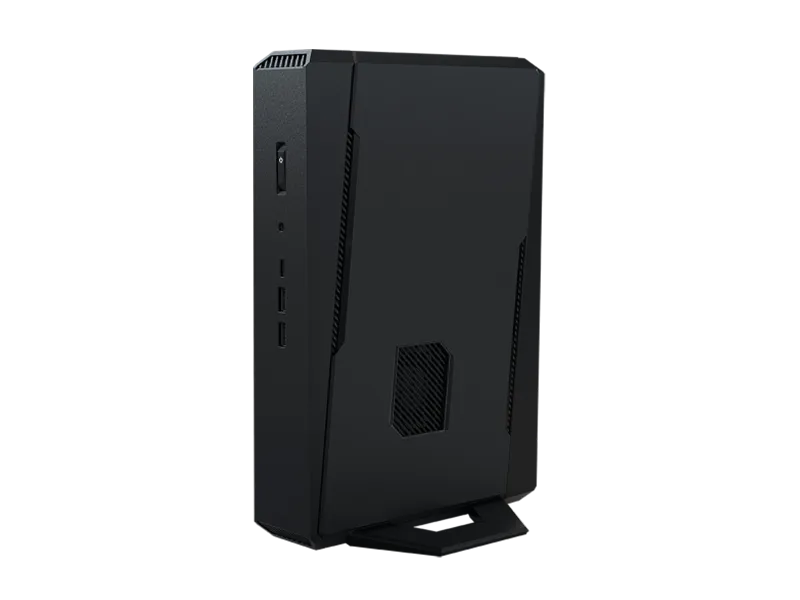
NUC 14 Pro AI
- Powered by Intel® Core™ Ultra processor (Series 2), offering 120 platform TOPS
- Built-in Intel® Arc™ GPU, delivering up to 67 TOPS.
- Delivering up to 48 NPU TOPS, tripled the AI performance of the previous generation with lower power consumption
- Built-in microphone and speaker support voice command to activate AI Applications.
- Intel® Wi-Fi 7 (5 Gig), Bluetooth 5.4, Thunderbolt™ 4 (DP2.1)
NUC 15 Performance
- Powered by Intel® Core™ Ultra 7 255-HX or Ultra 9 275-HXprocessor
- NVIDIA® GeForce RTX™ 5070/5060 laptop GPU
- Seamless connectivity Intel® Killer™ Wi-Fi 7 and Bluetooth® 5.4
- Support up to five 4k displays
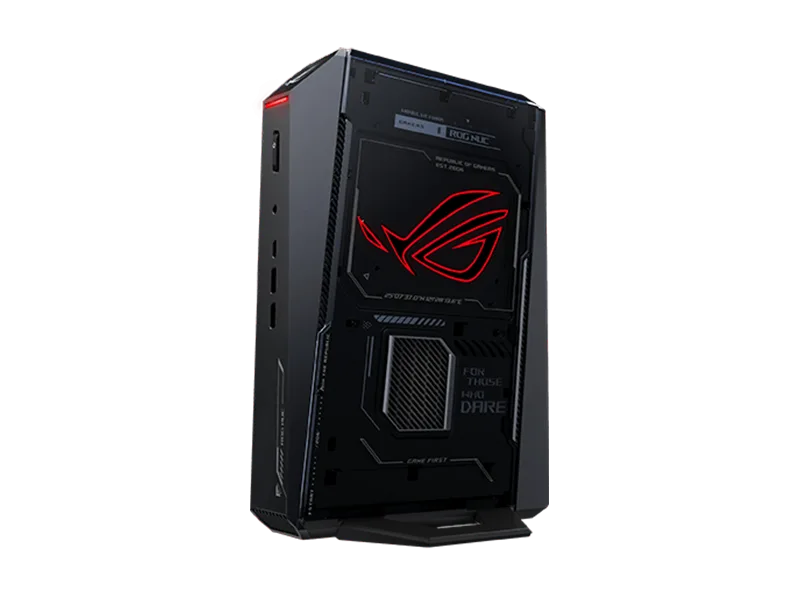
ROG NUC 2025
- Powered by Intel® Core™ Ultra 9 processor (Series 2)
- NVIDIA RTX™ 5080 Laptop GPU
- NVIDIA DLSS 4
- Intel® Wi-Fi 7 and Bluetooth 5.4